I spend alot of time reading fitness blogs and facebook pages.
A couple weeks ago I was reading up on the Disney Princess 1/2 marathon (something I SO want to do in next year or two!) and I found a cool Facebook page: https://www.facebook.com/FitApproach. Their website is: http://www.fitapproach.com/ and has alot of fun information and blog stuff. As I was reading, I specifically came across girls calling themselves, “Sweat Pink Ambassadors”. You can view more about it here on their website: http://www.fitapproach.com/2012/01/become-a-sweat-pink-ambassador/
Such a cool term and I’m totally jealous!! Ambassadors are basically examples to their friends and people around them about health and fitness and like to share what they learn with others!! HEY-that sounds like me!! 😉
I facebooked them and they aren’t taking applications until later this month for some more ambassadors, but I really love the shirts and shoelaces these gals are sporting!! I love to wear things that stand out and are example to fitness and health. Plus, who doesn’t like black and pink??!!
I knew I would be doing two races this month, so instead of waiting if I might be accepted as an ambassador, I ordered a black tank top shirt and some shoelaces. I was so excited that they arrived in the mail on friday-the day before my trail race. If you dont know what race I’m referring to, just look at my blog post below. I tell you ALL about it!! 😉
Anyway-I immediately laced up my outdoor shoes with my cool shoelaces hoping they would bring me luck on saturday!

This is me at the race sporting my new tank top and shoelaces. I ordered a size large tank and I should have gotten a medium. oh well!! I’m just excited that I can actually wear a MEDIUM!! oh-the tank is super soft and washes great.


I thought it would be a fitting race to wear this shirt because my fundraiser race was for Mercy Ministries which supports women and girls and helps them with eating disorders, abuse, addictions, etc. I’m all for women support and girl power!!
I got several compliments on my sweat pink tank while I was sweating up and down the trail!! 😉

This is my son and I right after crossing the finish line.
Now, I learned after posting my blog post the other day about the race, that at least 212 bibs were spoken for which means that many people registered for this race. Out of that number, only 46 people crossed the finish line!! I’m totally serious!! Thats how hard the “trail”/side of the mountain was! The reason I know this, is because we were timed and if you didn’t go through the trail two times, it didn’t time you out. I knew lots of people stopped after the first go around, but I didn’t know it was more than half!!
The reason I’m making a big deal about this, is because I did something on saturday that I didn’t know if I could do. I am not a runner! The only reason I have started training and attempting to run is (1) to continue to be healthy and lose weight; and (2) build up my endurance to do a 1/2 marathon some day. It has only been since last July 2011 that I serious about my weight loss and being healthy.
Last spring of 2011 I had signed up for a 5k race at a park that I had done 2 years prior to having my second baby. I didn’t properly train for this race, I wasn’t really exercising and I was 75 pounds heavier than I was before I got pregnant. Was I successful in this race? No I wasn’t!! After maybe 10 mins I had to stop because I was in so much pain with my shin splints!! I had to send my son ahead with my husband so that they could finish the race. I was so discouraged!!

I finally decided to change my life and my habits around July after having my gallbladder removed the end of May. I didn’t want my knees and back to hurt everytime I played with my son and baby! I hated feeling fat and miserable!! I wanted to feel sexy for my husband and look good in my clothes! I wanted to wear all my clothes that I had prior to baby number 2.
I started by reading books, blogs, facebook pages-anything that was about healthy nutrition and weight loss. I joined Beachbody fitness so I could have a support group! I started off slow doing Leslie Sansone walking dvds, and then Chris Freytag prevention dvds. I got more into yoga, cardio, pilates, etc. The more weight and inches I lost, the better I felt about myself and the more encouraged I felt to continue. I have not done any fad diets, pills, patches, etc. I have simply exercised every day, drink 8-10 cups of water, eliminated almost completely fast food and sugar, log my food into MyFitnessPal to track calories, use electronic devices like my FitBit and iphone to track steps and calories burned. My biggest supporter is my husband and family! They help me track my food, we plan healthy meals together, we exercise and play together…they are super supportive!!
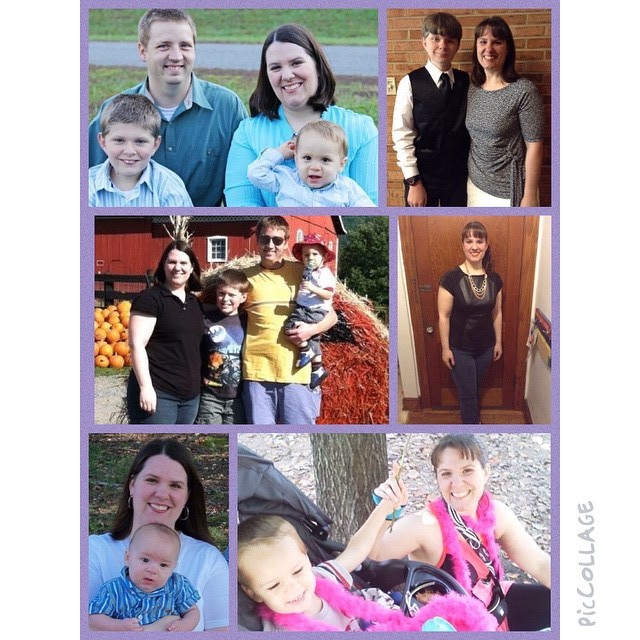
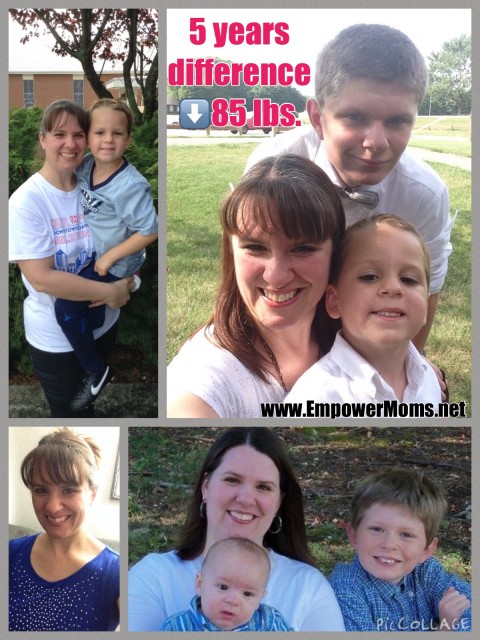
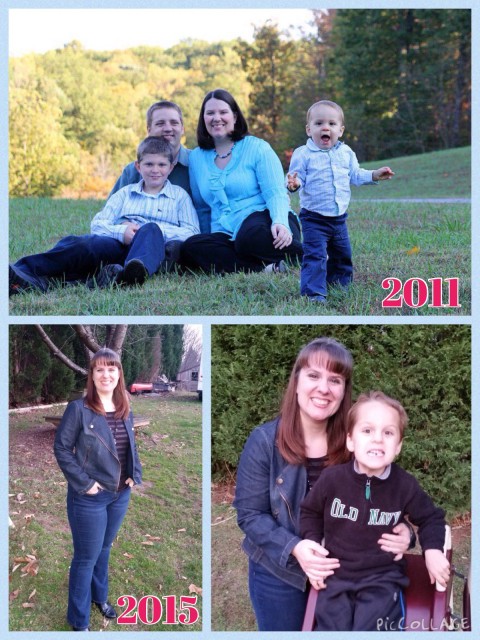
So fast forward to this past saturday. I have gone from a size 20 to a size 12. I have lost 65 pounds since this picture was taken last April 2011. (220 pounds) and I have actually lost 97 total pounds since the birth of my second baby boy in June 2010. (I stopped weighing when I hit 250-yikes!)
I feel fantastic and sexy!! I can wear all my old clothes!! I still want to lose 15 more pounds to be at my “goal weight” but I recognize that I have more toning and lower body inches to lose as well so I’m not so obsessed with a scale number.
When I was hiking up that side of the mountain on saturday with my son up above me (the same one in the picture above) I KNEW I was not going to give up no matter how hard it was! I kept looking down at my bright pink shoelaces and knew I had to keep going. I wanted to prove to myself, my son, my husband and anyone else that I could do anything I put my mind to. I knew I was in shape to do this race and I knew I couldn’t fail. I was going to “sweat pink” and keep going to that finish line!! There was another girl behind me and we just kept encouraging each other along and we finished within a minute of each other. It was fun to have a “gal pal” to chat with along that way.
I am proud to say that I DID finish the race and I finished strong!! I didn’t have any asthma problems or shin splints which was a total blessing!! My son finished in 62 mins and I finished in 63 minutes. I am totally sore 2 days later, but it is worth it!! and I’m excited that in 1.5 weeks from now, my son, husband and I will be doing a fun 4 mile night race (with glow sticks!) How fun does that sound??
So keep believing in yourself and your goals! Continue to be healthy, or make the decision today to start!! YOU can do it!! If I can do it, so can you!! 🙂


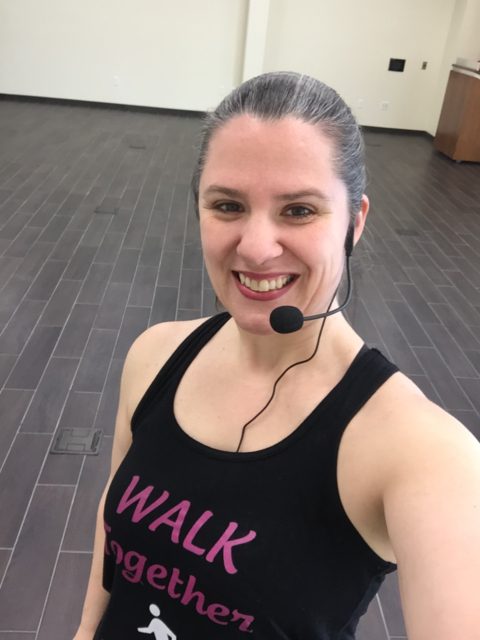 Fitness, Family & Book blogger. Certified Group Fitness Instructor, Active Aging and Silver Sneakers Coach. Walking Coach. Certified Nutrition Coach. Teaching fitness classes for all levels of fitness and ages since 2015. ✨Empower & Inspire✨